- 200% CPU Power
- 10 GB NVMe
- 0 backup slots
- 13 of our 26 games
- console, files and SFTP
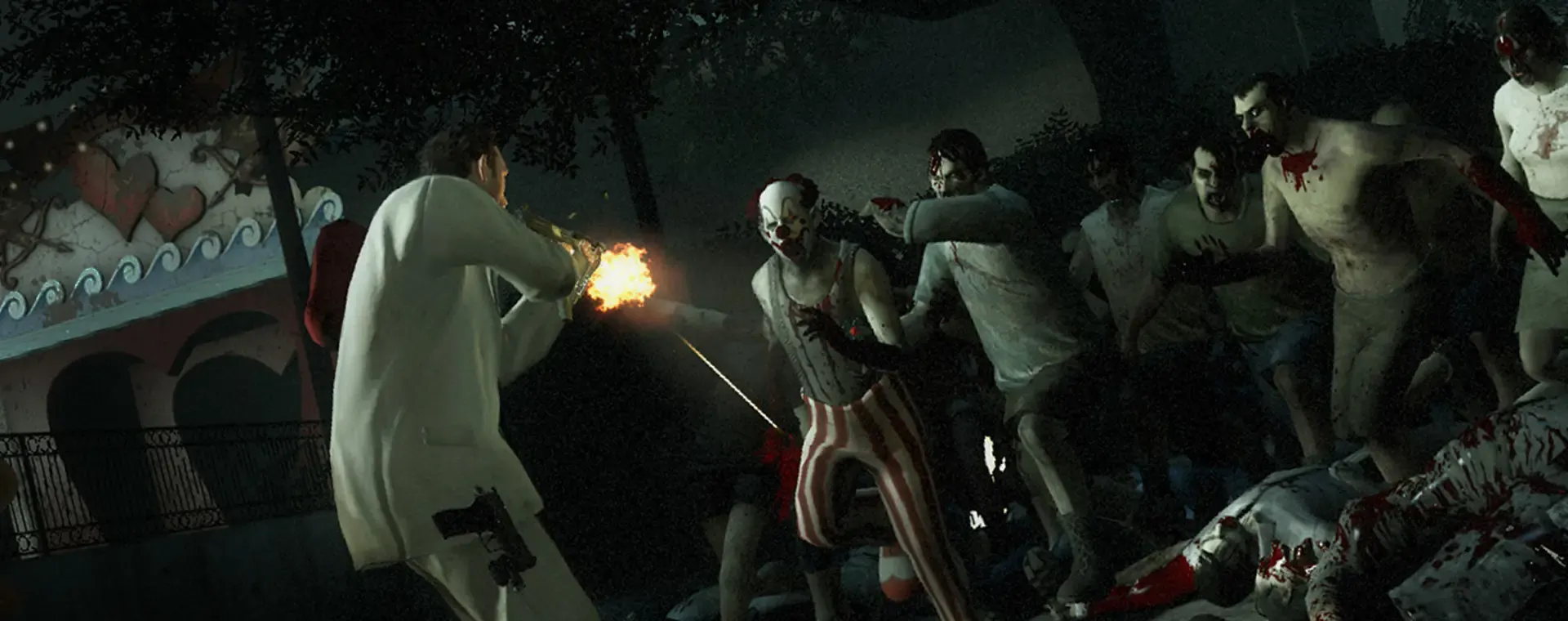
Play the campaigns your way, with custom maps, mutations and add-ons on a server that is always up.
In every plan
Left 4 Dead 2 and 25 other games in one plan
You pay for the server, not for the game. Switch to another title in the panel whenever you want, at no extra cost.
Server commands and logs in your browser, with no extra software.
A file manager in the panel and SFTP access to the whole server.
Take a backup and restore it from the panel in a few clicks.
Switch your server to any of our 26 games whenever you want, at no extra cost.
Germany, Poland, the UK and France. You pick the one closest to your players when you order.
Add RAM, CPU or disk in the panel without moving a single file.
Guides in the knowledge base:First steps in the panelBackupsStartup parametersConnecting over SFTP
The things people ask us before buying. If something is missing, write to us on Discord.
Our plans start at 2 GB (€3.99/mo), which comfortably covers a co-op or versus server for the usual small lobby on stock campaigns. Consider going higher if you run large custom campaigns, a long list of add-ons, or a mutation setup that raises the survivor and infected counts well above the default. Changing plan later is straightforward, so it is fine to start small.
Yes. Campaign files go into the addons folder through the file manager or FTP, and once the server restarts you can start them from the console or your map cycle. You can keep several campaigns installed at once and rotate between them. NVMe disks mean loading a big custom campaign does not drag out the round change.
For custom campaigns, generally yes - everyone joining needs the campaign on their end, most easily by subscribing to the same Workshop item before they connect. Purely cosmetic add-ons like skins are usually client-side and do not have to match. It is worth telling your group which items to subscribe to before a session so nobody gets stuck on the loading screen.
Yes. Co-op, versus, survival, scavenge and the various mutations are all set through server settings and console commands, as is the difficulty. You can change them live from the panel console or bake your preferred setup into the config so it applies on every start. Mutations and custom modes tend to be the most demanding, so leave a little headroom if you live in those.
The panel gives you a live console for watching the log and issuing commands, plus a file manager and FTP for your configs. Most communities add a plugin framework such as MetaMod and SourceMod on top for in-game moderation, votes and kick or ban tools, and those install as ordinary files. You can set an RCON password too if you prefer to administer from inside the game.
Yes - setting a server password in the config is the simplest way to keep it to your own group, and you hand the password out with your address. Leave it off and anyone with the address can join, which is what you want for a public community server. Either way the server stays online around the clock, so people can play whether or not you are there.
You choose your location when ordering: Falkenstein (Germany), Warsaw (Poland), London (UK) or Gravelines (France). Pick the one closest to you - the shorter the distance, the lower your ping.
Yes, and it costs nothing extra. Game Swaps are included in every plan: turn the same server into another supported game in one click, and each game keeps its own saved preset so nothing is lost when you swap back. Heavier games need more memory, so which titles you can run depends on the plan you pick - hover the info icon next to Game Swaps on any plan above to see how many that plan can run.